Reverse Rejections
Problem:
How can a Requester who rejected an assignment in error undo his mistake? A rejected assignment affects the Worker negatively and will often impact the Requester with negative feedback which can damage the Requester’s online reputation which lowers Worker participation in future HITs. What can a Requester do to reverse the rejection?
Solution:
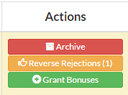
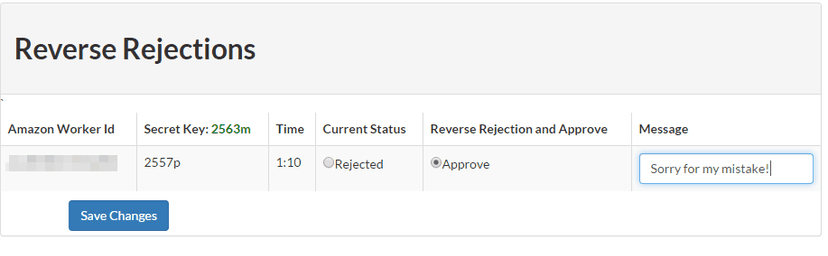
Reversing a rejection in CloudResearch is as simple as using the “Reverse Rejection” feature.
Select the WorkerIds you wish to reverse, add an optional message. and you are done! No programming or installations are needed.
Related Articles

How Do Most MTurk Workers Work?
A persistent cause of concern for researchers who conduct studies online is understanding what participants might be doing while completing their study. When participants are outside the lab, they cannot...
Read More
How to Award a Bonus to MTurk Workers Using CloudResearch
One feature of Mechanical Turk is the ability of researchers to give workers bonus payments. Bonuses may be issued for various reasons such as exemplary performance on a task, answering...
Read More